User guide v4.x
The OKMLiveEdit tool allows you to quickly edit documents that are in the OpenKM repository.
Configuration
Section titled “Configuration”- From the notification area of the taskbar, right-click the OKMLiveEdit icon and go to the “Configuration” menu.
- This action will show a popup containing a checkbox called “Open documents manually”. This will tell LiveEdit not to automatically open the files to edit, and this action can be performed when selecting a document from the list by clicking on one of them.
Alternative configuration of the main file folder
Section titled “Alternative configuration of the main file folder”OKMLiveEdit allows you to configure a custom path for storing key application files such as:
- The log file (openkm.log)
- The configuration file (openkm.xml)
- Temporary files generated during runtime
This configuration is done using the okm.folder.path property, located in the app.properties file within the installation directory.
Example:
okm.folder.path=C:\\New_folder_path
After making the changes, you must restart the OKMLiveEdit.
- Choose a document in the OpenKM user interface.
- Click the Edit button. (A pop-up window titled “Launch application” will open; it is recommended to check the option “Remember my choice for liveedit links” and press the “Open link” button.)
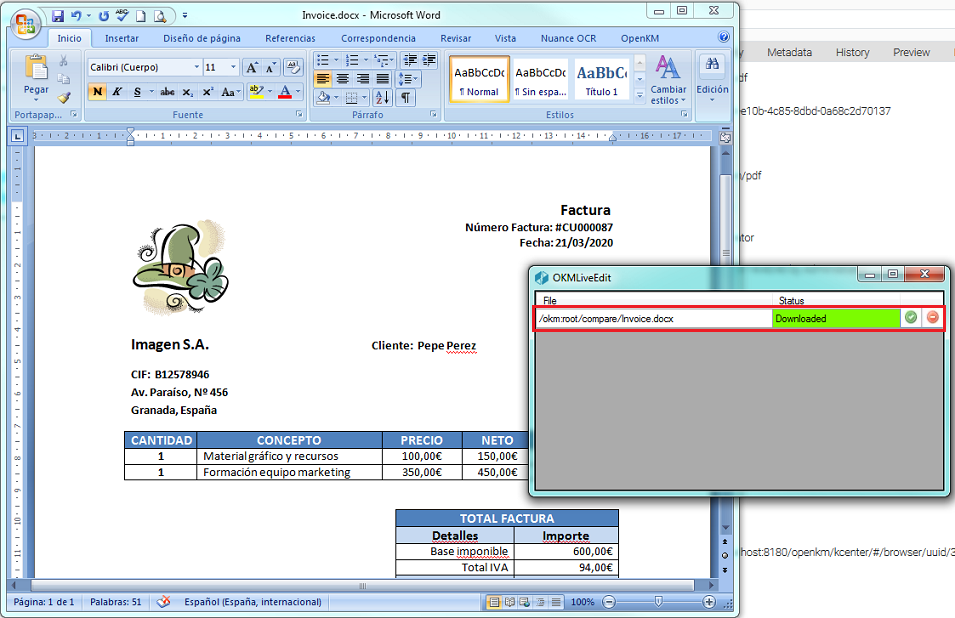
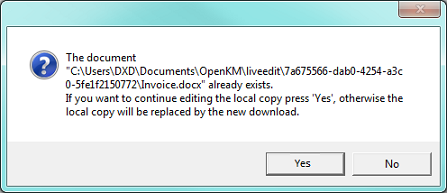
- Now the main live edit window will be shown. This window will show a list of the documents you are editing. Based on the document type, each document is automatically opened by the corresponding software. (For example, if you edit a .docx document, it will usually be opened by Microsoft Office or LibreOffice.)
- Each time the document is saved with the editing software, the changes are updated in OpenKM to preserve the edits. Until you click the Update button, the changes will not be accepted in the OpenKM repository; clicking it creates a new document.
If you want to delete the file from the queue, press the Delete button.
In My Documents/OpenKM, the following log files are found:
- OKMLiveEdit.log contains the full log trace.
- OKMLiveEdit_installer.log contains information about the installation process.