User management
The Users section lists the application users and allows you to create, edit and delete them.
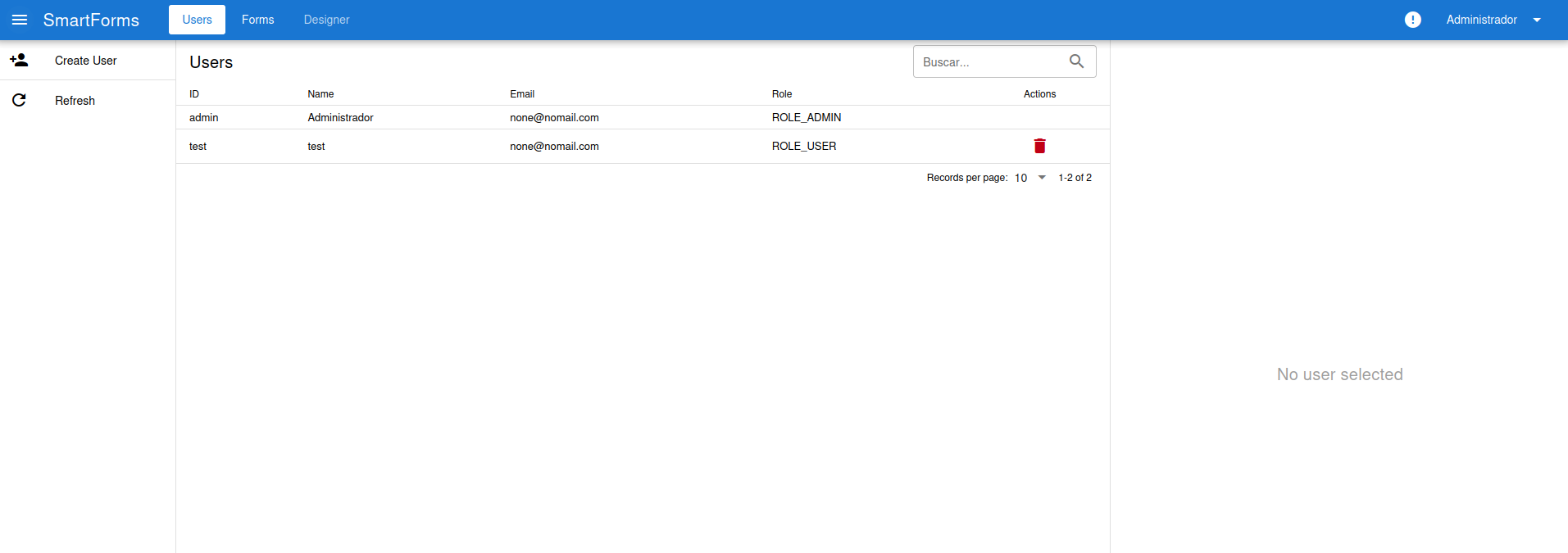
The list shows the user ID, Name, Email and Role. Use the search box to filter the list. The left menu has two options:
- Create User: adds a new user.
- Refresh: reloads the list.
A user has one of these roles:
| Role | Description |
|---|---|
| ROLE_ADMIN | Can access the administration and the private forms. |
| ROLE_USER | Can access the private forms, but not the administration. |
Edit a user
Section titled “Edit a user”Click on a user to see its data in the right panel.
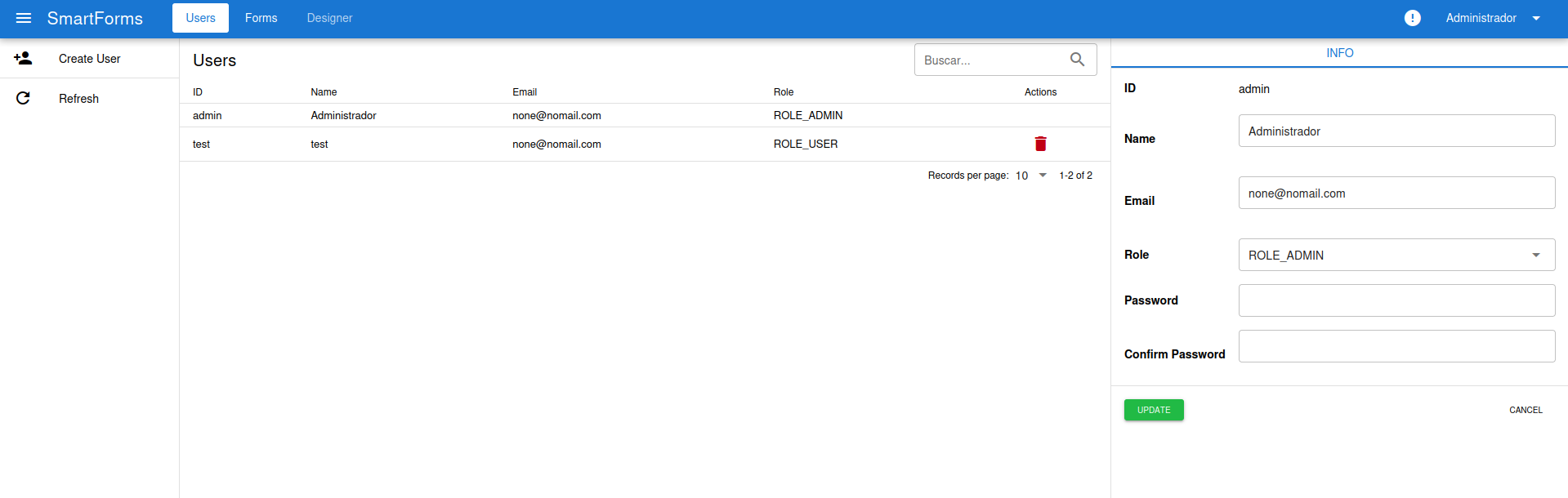
You can change the Name, Email and Role. To change the password, type it in Password and Confirm Password; leave both fields empty to keep the current one. Press Update to save the changes, or Cancel to discard them.
Delete a user
Section titled “Delete a user”Press the red trash icon in the Actions column. The admin user cannot be deleted.