Workflow extension
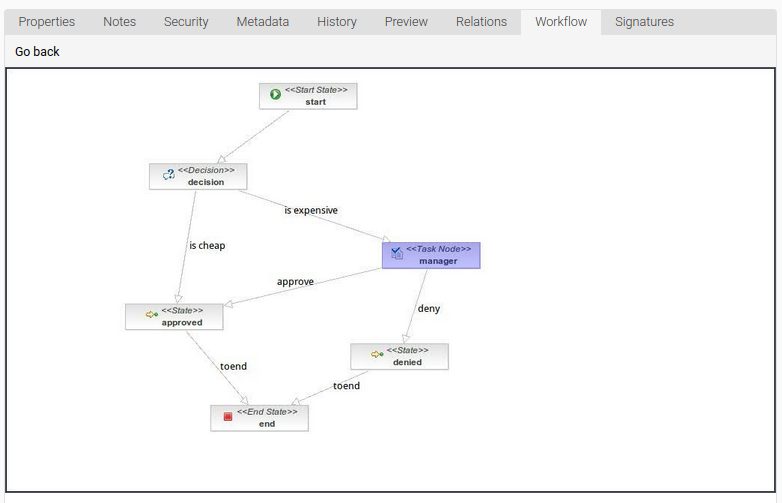
The workflow extension helps show, in chronological order, the tasks performed and the workflow’s status graph.
Show workflows assigned to a node
Section titled “Show workflows assigned to a node”- Choose a node.
- Select the Workflow tab.
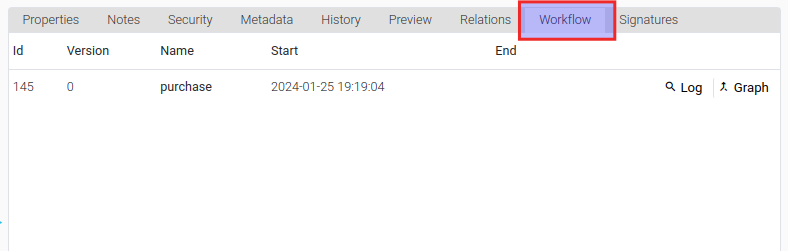
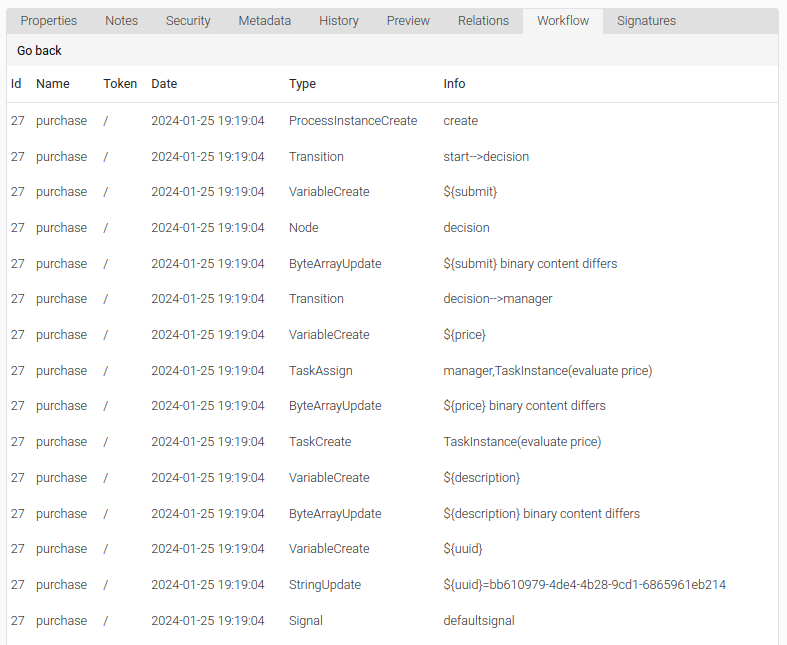
- Click on Log to show detailed information about the workflow.
- Click on Go back to return to the list of assigned workflows.
- Click on Graph to show the workflow graph with the current workflow task highlighted.
- Click on Go back to return to the list of assigned workflows.