Excel Add-in 6.1.x
Excel Add-in enables users to upload new files and edit existing OpenKM files.
When a user uploads new files, they browse the OpenKM tree view to select where they want to upload the file.
The OpenKM Excel Add-in detects if the document opened by a user is an OpenKM file and enables or disables some toolbar options.
After installing the Outlook add-in, a new menu item “OpenKM” will appear in Outlook.

Details of the functions according to their icons:
| Button | Action |
|---|---|
 |
Add-in configuration. |
 |
Add new document |
 |
Document edit (check-out) |
 |
Upload modified document (check-in) |
 |
Cancel document edit |
 |
Help |
Configure OpenKM Add-In
Section titled “Configure OpenKM Add-In”First, you must select the OpenKM toolbar option to set your configuration values for accessing OpenKM from the client computer. If you already have other OpenKM add-ins installed, this may not be necessary.
| Property | Type | Description |
|---|---|---|
| Language | Select | MS Add-in user interface language. |
| User | String | User ID for accessing OpenKM. okmAdmin |
| Password | String | The user’s password. admin |
| Host | String | OpenKM URL. https://demo.openkm.com/OpenKM/ |
| Add metadata | Bool | To enable/disable the metadata selection form. |
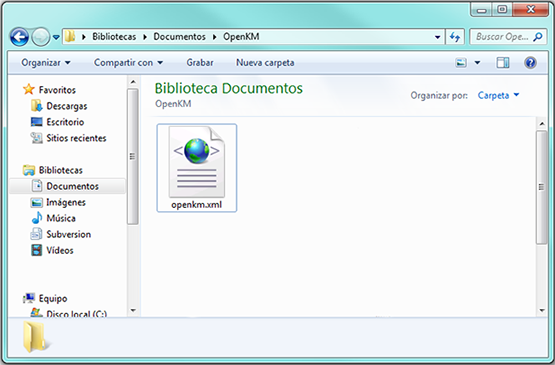
When you set your configuration values, a folder called OpenKM is created in your user My Documents folder. In this OpenKM folder, a configuration file called openkm.xml and another file called document.xml are created, which the OpenKM Add-in uses to store document editing information. You should not edit or delete these files.
Uploading a new file
Section titled “Uploading a new file”Click on the add new document button. A folder tree view will be shown. You must select the folder where you want to upload the file.
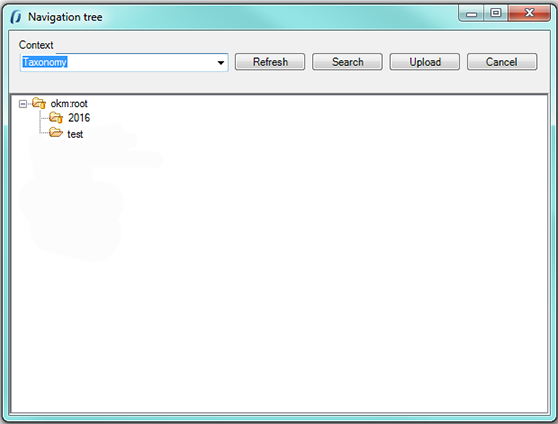
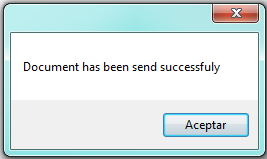
Click on the Send button; the document will then be uploaded to OpenKM and a notification message will be shown.
Editing an OpenKM document
Section titled “Editing an OpenKM document”Click on the document edit button. A folder navigator will appear. You must navigate through folders and select the document you want to edit.
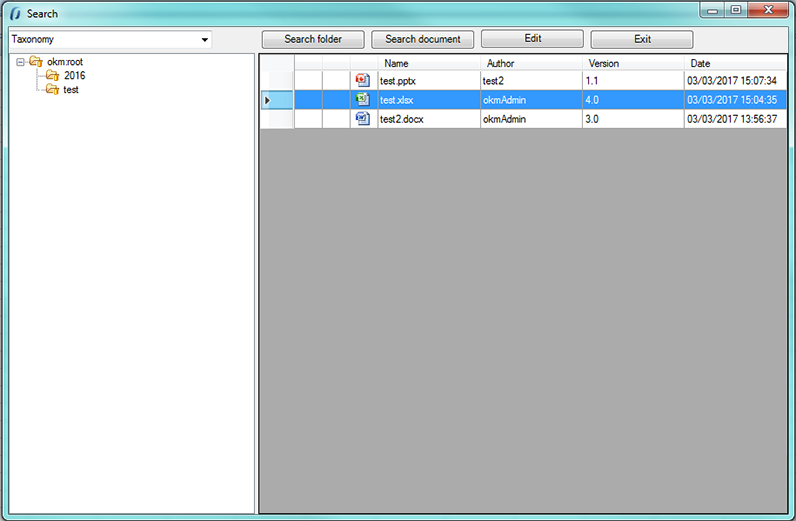
When you have an OpenKM document open, the Upload modified document (check-in) and Cancel document edit toolbar options will be enabled.
- To upload a modified document, use the Upload modified document (check-in) toolbar button.
- To cancel document editing, use the Cancel document edit toolbar button.
In My Documents/OpenKM there is a log file called ExcelAddin.log that contains a complete log trace.