Checkout source code from Git
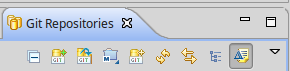
Clone the Git repository you can do it from eclipse. Go to “Git Repositories” and click on “Git Clone” icon.
| Version | Url | Command line |
|---|---|---|
| 6.3.x | https://github.com/openkm/document-management-system.git | bash<br>$ git clone https://github.com/openkm/document-management-system.git<br> |
Set the URI:
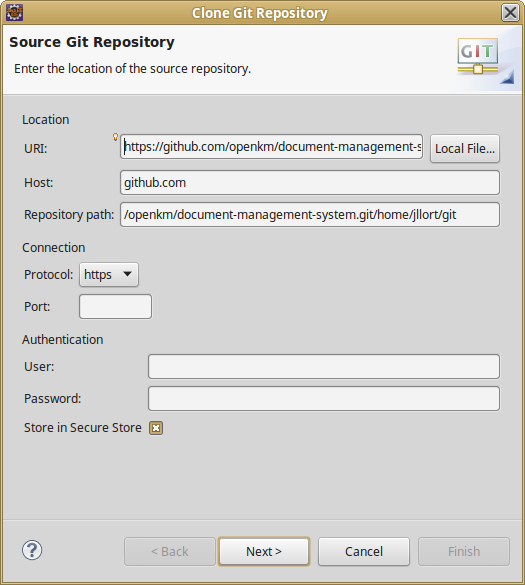
Click on Next button.
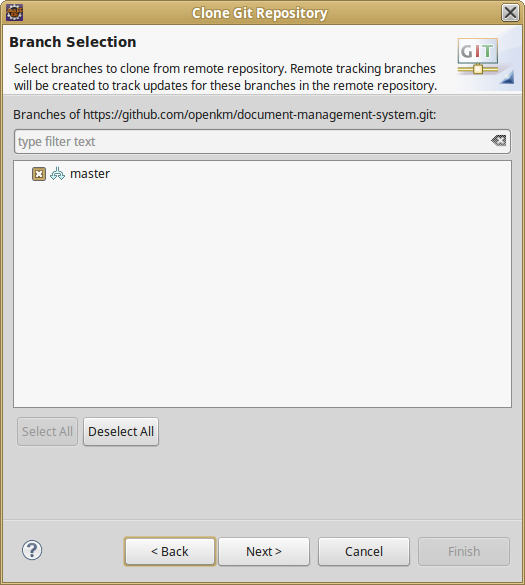
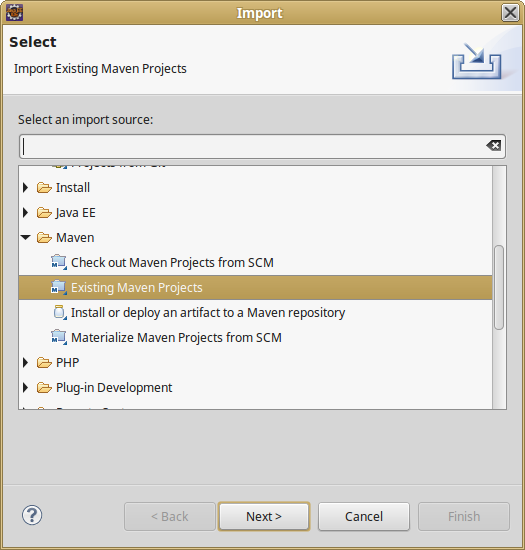
Finally import the project into eclipse. Go to File > Import > Existing Maven Projects.
Choose the project document-management-system folder from your local git repository and click on Next button.
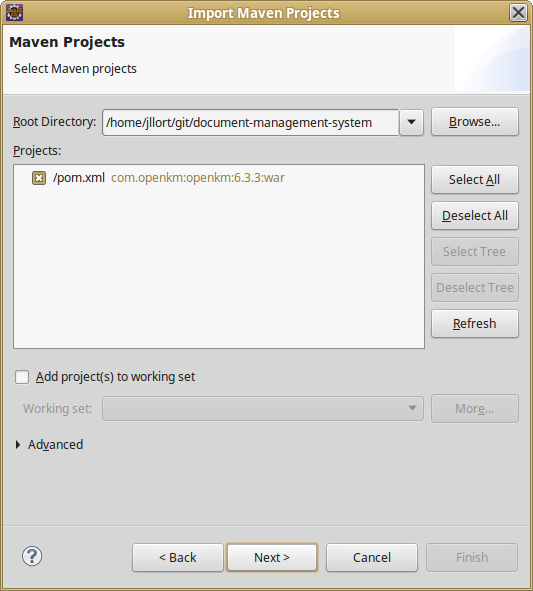
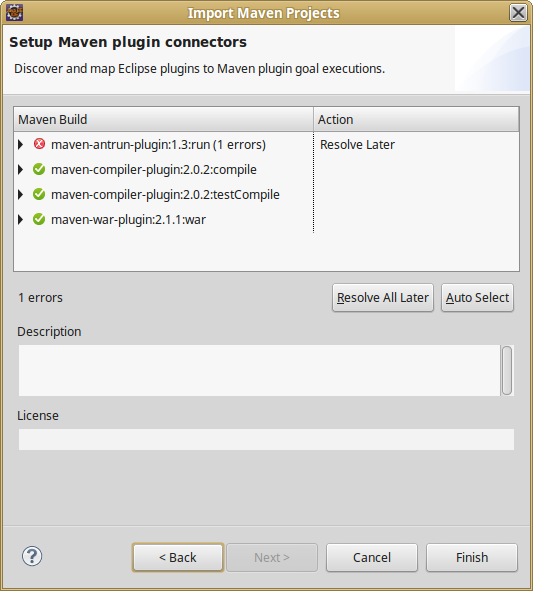
Finally click on Finish button.