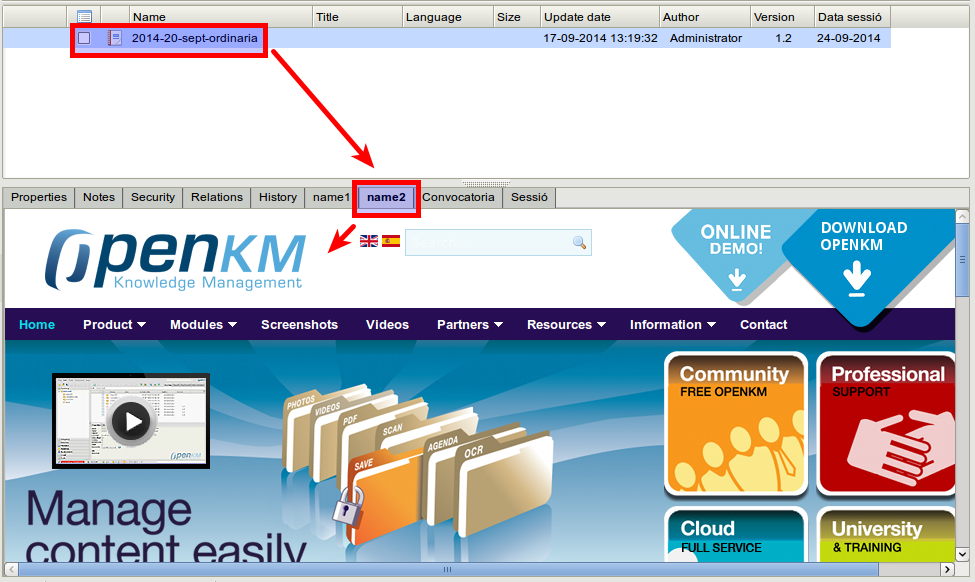
External tab record extension
The External Tab Record feature helps you show a tab’s content in the properties tab based on an external URL request when a node record is selected.
Configuration
Section titled “Configuration”| Field / Property | Type | Description |
|---|---|---|
| extension.external.tab.record | List | Each row is a pair of values declaring a tab’s content; the format is: name;url name1;http://localhost:8180/openkm/test.jsp name2;http://www.openkm.com |
| webservices.visible.properties | List | To make the values of the parameter “extension.external.tab.record” accessible to all users, the value “extension.external.tab.record” must be added to the current list. If you forget to add the property name, only administrators will be able to retrieve the value, so some extensions may produce errors for regular users. |
Sample
Section titled “Sample”Configuration
Section titled “Configuration”Create a file named test.jsp and copy it into the $TOMCAT_HOME/webapps/openkm folder.
<%@ page language="java" contentType="text/html; charset=UTF-8" pageEncoding="UTF-8"%><?xml version="1.0" encoding="UTF-8" ?><!DOCTYPE html PUBLIC "-//W3C//DTD XHTML 1.0 Transitional//EN" "http://www.w3.org/TR/xhtml1/DTD/xhtml1-transitional.dtd"><html xmlns="http://www.w3.org/1999/xhtml"><head><title>External URL request example</title></head><body> Request parameters <br /> <br /> <b>uuid:</b><%=request.getParameter("uuid")%><br /></body></html>- Choose a record.
- Click the “name1” tab.
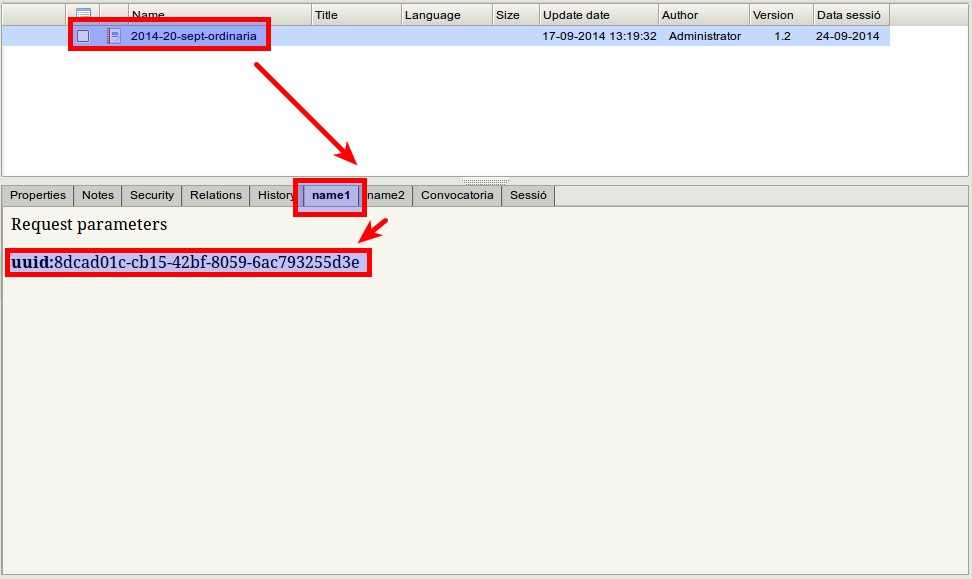
- Click the “name2” tab.