Bulk Uploader
The Bulk upload feature helps you upload or update multiple documents at the same time without needing to go to Add new document and select each document individually.
- Choose the node (folder or record) in your repository.
- Click on
 Bulk upload icon. The Uploader Window will be shown.
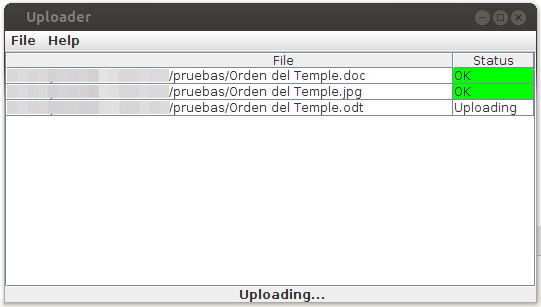
- Drag and drop files or folders from your desktop computer to the Uploader window. The files and folders will automatically be uploaded to OpenKM, to your currently selected folder path