Script for automation - Execute OMR
The script process an image with OMR engine from Automation each time new document is uploaded. With minimal changes can be used in conjunction with crontab.
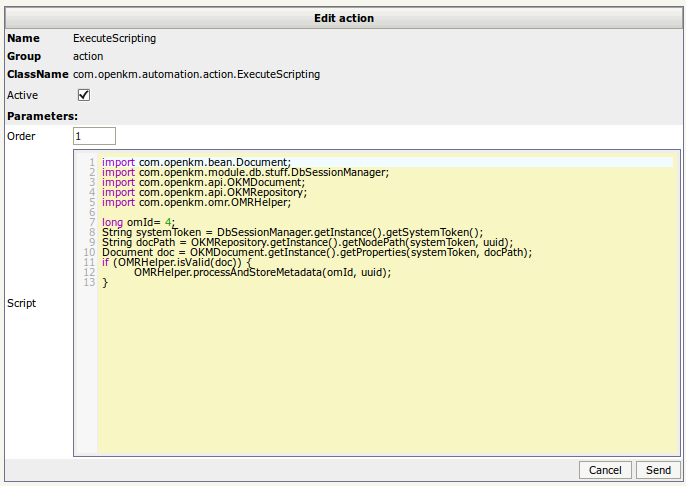
import com.openkm.bean.Document;import com.openkm.module.db.stuff.DbSessionManager;import com.openkm.api.OKMDocument;import com.openkm.api.OKMRepository;import com.openkm.omr.OMRHelper;
long omId= 4;String systemToken = DbSessionManager.getInstance().getSystemToken();String docPath = OKMRepository.getInstance().getNodePath(systemToken, uuid);Document doc = OKMDocument.getInstance().getProperties(systemToken, docPath);
if (OMRHelper.isValid(doc)) {    OMRHelper.processAndStoreMetadata(omId, uuid);}
Images
Section titled “Images”Register automation rule
Section titled “Register automation rule”
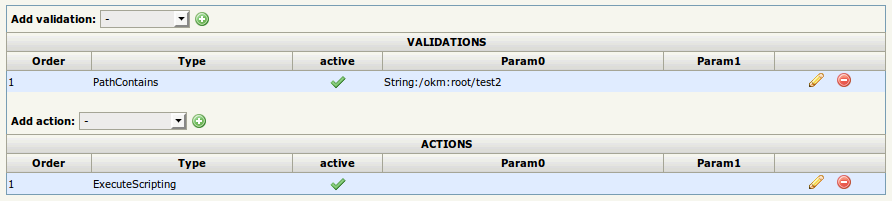
With some PathContains validation and ExecuteScripting action.
The script code:
Templates defintion
Section titled “Templates defintion”Get the omId value of the template.

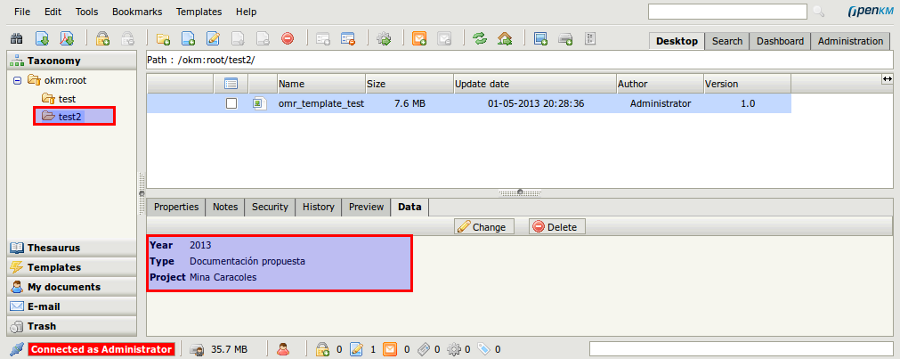
Result
Section titled “Result”Each document uploaded into folder path ( or subfolders ), when is valid image file, is processed by OMR engine.