Swagger
How to accessing Swagger
Section titled “How to accessing Swagger”For accessing Swagger documentation, open in your browser the URL http://localhost:8080/OpenKM/services/ you will get some page as image below:

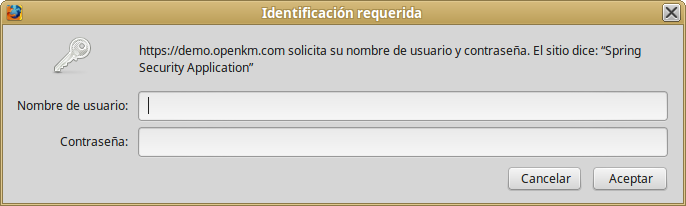
Click in the URL http://localhost:8080/OpenKM/services/rest/api-docs?url=/OpenKM/services/rest/swagger.json it will be shown and screen like shown below asking for authorized user credentials:
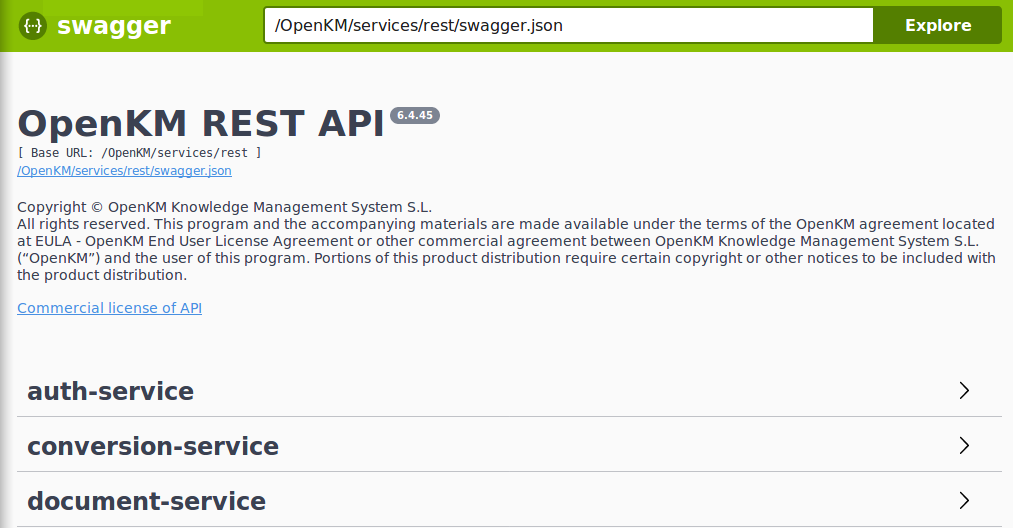
Then will be shown the Swagger tool:
Playing with Swagger
Section titled “Playing with Swagger”Let’s do a quick test of the tool checking the getRoles method from Auth-Service.
- Open the Auth-Service
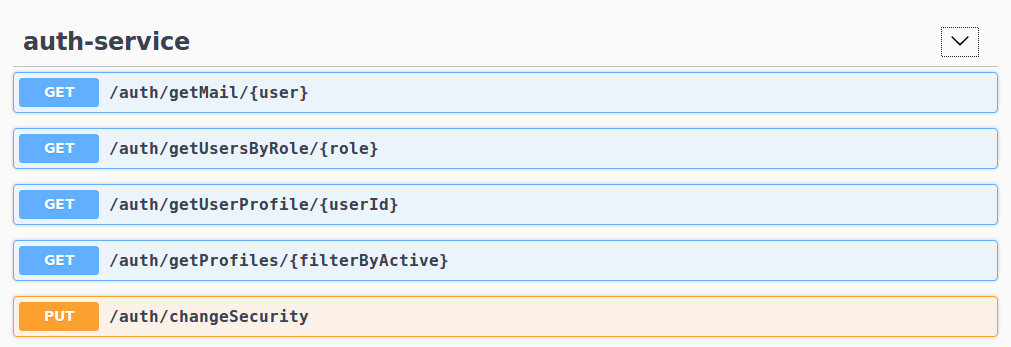
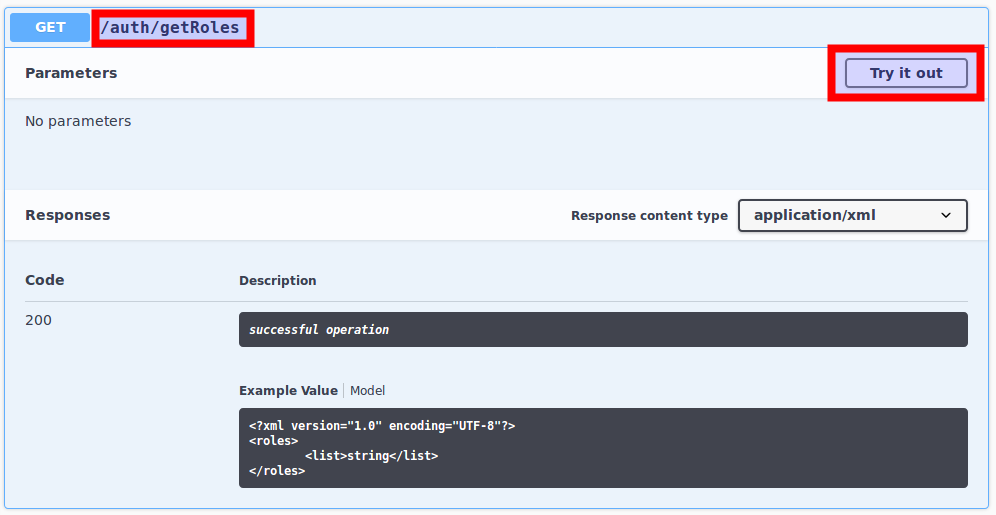
- Open the getRoles method and click on the button “Try it out”:
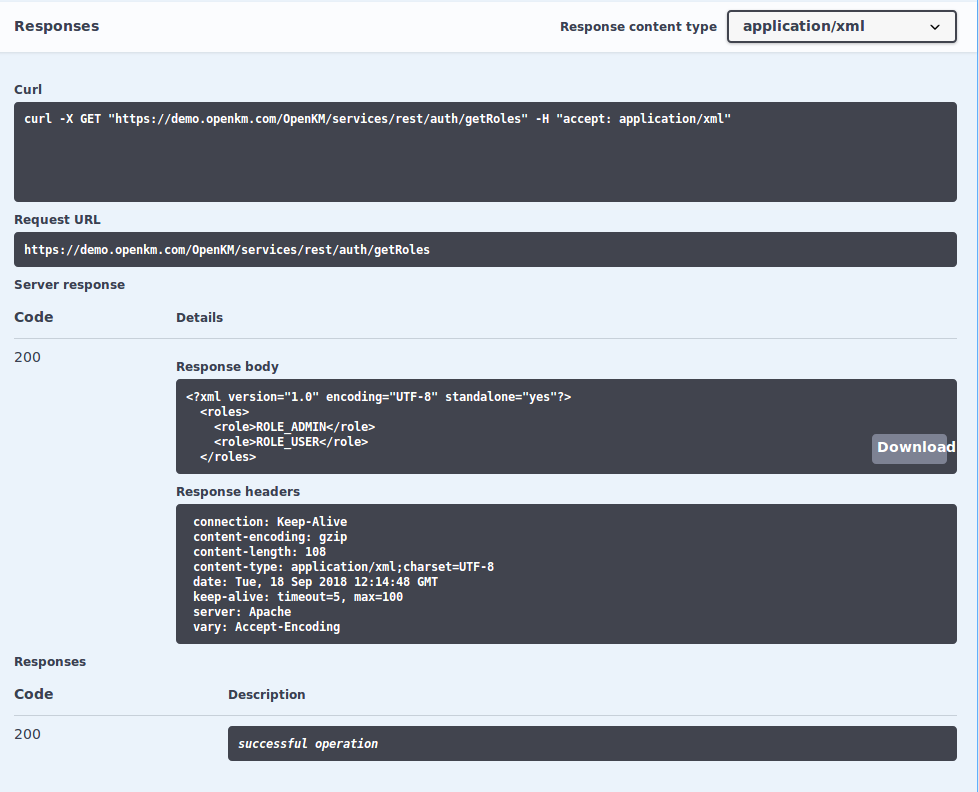
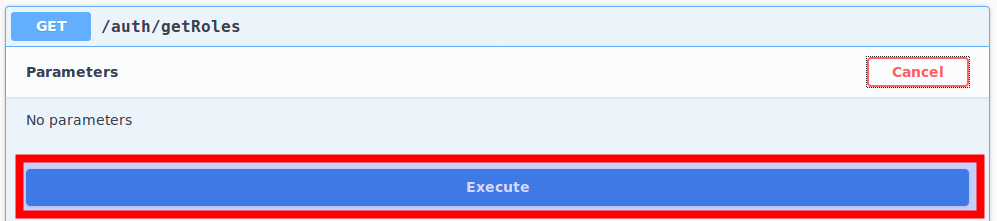
- Click on the “Execute” button;
- Finally will be shown the results