Introducing to reports based on Java
- Install the iReport tool.
- Execute iReport tool.
Testing Java sample report
Section titled “Testing Java sample report”- Download the JavaReportPattern.jrxml file.
- Open the file.
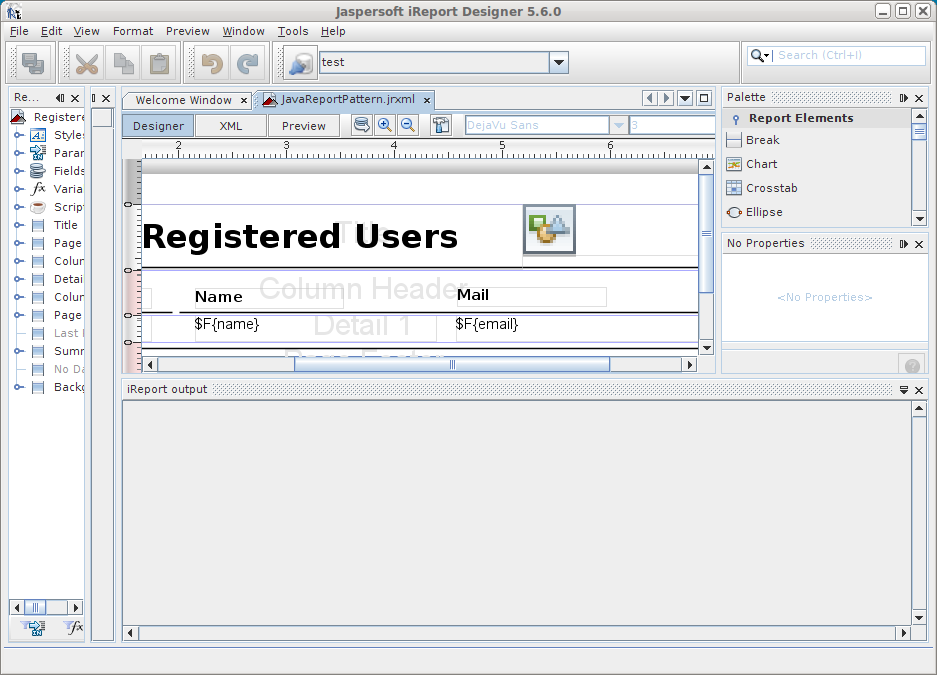
- Click on Designer tab.
- Click on
 report query button.
Understanding the code sample
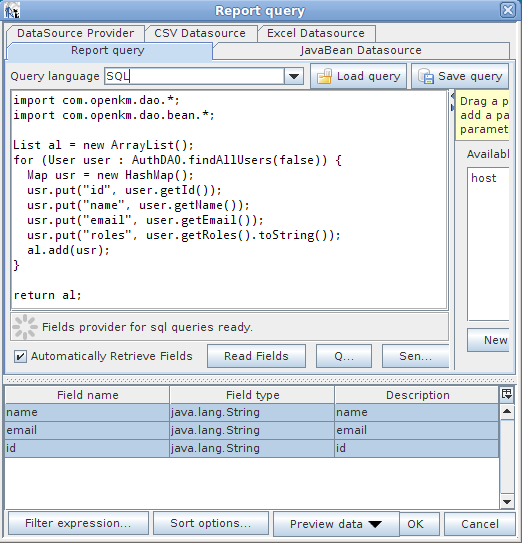
Section titled “Understanding the code sample”- Create an empty list.
- Iterate across all users calling the API method named AuthDAO.findAllUsers(false).
- Create a Map for each User object where each value corresponds to a column.
- Add each map into the list, where each map corresponds to a row.
import com.openkm.dao.*;import com.openkm.dao.bean.*;
List al = new ArrayList();for (User user : AuthDAO.findAllUsers(false)) {    Map usr = new HashMap();    usr.put("id", user.getId());    usr.put("name", user.getName());    usr.put("email", user.getEmail());    usr.put("roles", user.getRoles().toString());    al.add(usr);}
return al;
Using in report
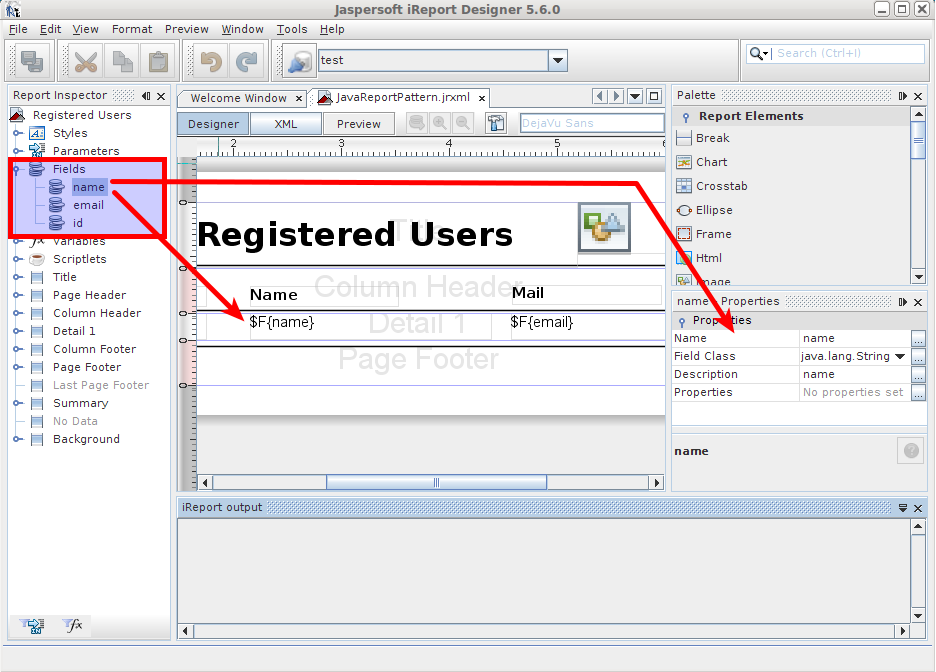
Section titled “Using in report”- For each key in map create a field.
- Use the field in report