Integrar la vista previa con otras aplicaciones web
Puede integrar rápidamente el módulo de vista previa web de OpenKM en otras aplicaciones web.
Ventajas:
- Integración rápida en un iframe de su propia aplicación web.
- Todos los tipos MIME compatibles de los módulos de vista previa de OpenKM.
- Puede utilizarse sin haber iniciado sesión en OpenKM.
- Puede previsualizar documentos que no están en OpenKM.
Parámetros de la vista previa:
| Parámetro | Tipo | Descripción |
|---|---|---|
| docUrl | String | La URL completa de un documento. Recomendamos utilizarlo para todos los tipos de archivo. |
| swfUrl | String | La URL completa de un archivo .swf. |
| dxfUrl | String | La URL completa de un archivo .dxf. |
| dwfUrl | String | La URL completa de un archivo .dwf. |
| htmUrl | String | La URL completa de un archivo .html. |
| codUrl | String | La URL completa de un archivo con código, por ejemplo archivos .java, .php, etc. |
| mpgUrl | String | La URL completa de un archivo .mp4 o .mp3. |
| pdfUrl | String | La URL completa de un documento pdf. Requerido por el visor Flexpaper. |
| file | String | La URL completa de un documento pdf. Requerido por el visor PDF.js. PDF.js también requiere el parámetro pdfUrl |
| previewEngine | String | El tipo de vista previa que utilizará el servidor. Por defecto es PDF.js, pero con este parámetro puede forzar Flexpaper OpenKM admite Flexpaper y PDF.js como visores de pdf |
Ejemplo de código
<html> <head> <title>test</title> </head> <body> <div align="left"> Left panel </div> <div align="right"> Preview panel<br/> <iframe src="http://localhost:8180/OpenKM/Preview?docUrl=http://localhost/test.pdf" style="width:800px; height:600px" frameborder="0" marginwidth="0" marginheight="0" /> </div> </body></html>Resolución de problemas
Sección titulada «Resolución de problemas»Hay varias razones por las que el documento no puede previsualizarse y obtiene una pantalla como esta:
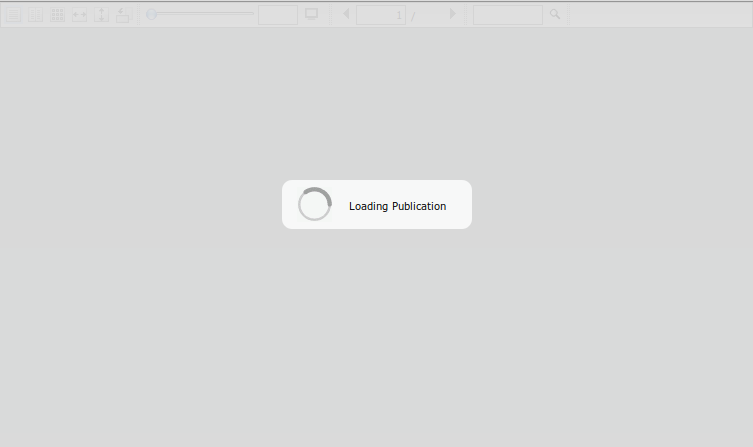
Compruebe si ve algún error en el registro de OpenKM.
Consulte la consola de javascript; si muestra un error como “missing header CORS ‘Access-Control-Allow-Origin’)”, debe cambiar la configuración de su servidor web para permitirlo.